6 Best Canva Alternatives for Bloggers. Elevate your Mood-boards, Outfits and Vision-boards
Stuck in a canva rut? Here are 7 tools you can try to spruce up your content. These tools are great for building perfect outfits, crafting mood boards, and designing eye-catching social media content. From drag-and-drop simplicity to gamified style platforms, there are plenty of apps and websites tailored to different creative needs. Below, we explore some of the best options — including Shoplook.oi, GoDaddy Studio, and Combyne — each offering unique features for fashion lovers, visual planners, and digital creators alike.
Shoplook.oi
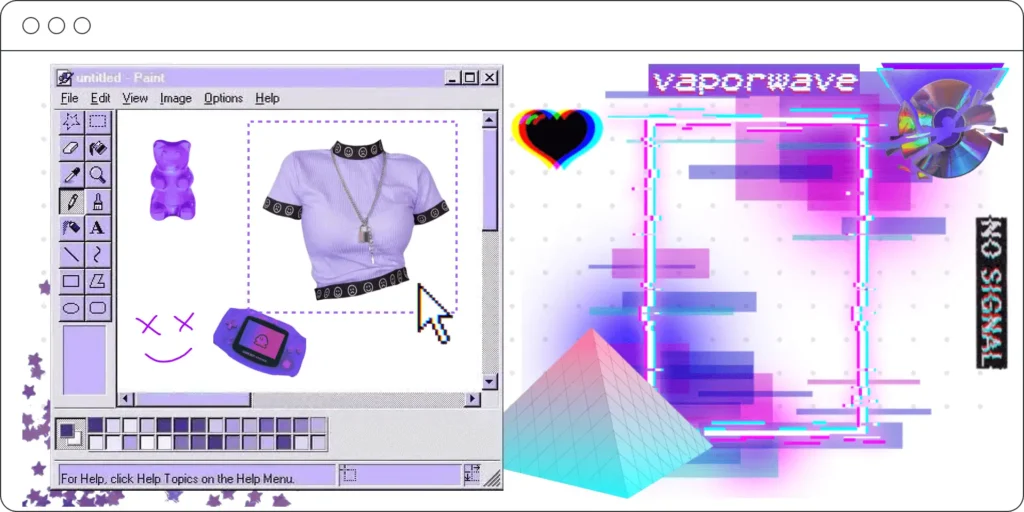
Shoplook.oi boasts being an easy to use creative Canvas. Users can drag and drop from existing images or upload their own.
Recommended for: Outfits, mood-boards, vision-boards and art.
Go Daddy Studio
“Beautiful design, made easy” is the Go Daddy Studio tag line. They have thousands of customizable templates, fonts, videos, and royalty-free images to create professional content with.
Recommended for: Outfits, mood-boards, vision-boards, art, Pinterest pins and Instagram posts.
Combyne
Combyne position themselves as “Your Style Playground – 25M+ young fashion lovers, endless vibes”. It is an ap to build looks and share outfits and make mood boards and collages. It is targeted towards Gen Z and designed to gamify creativity and self expression.
Recommended for: Gen Z, outfits, mood-boards, vision-boards, social networking.
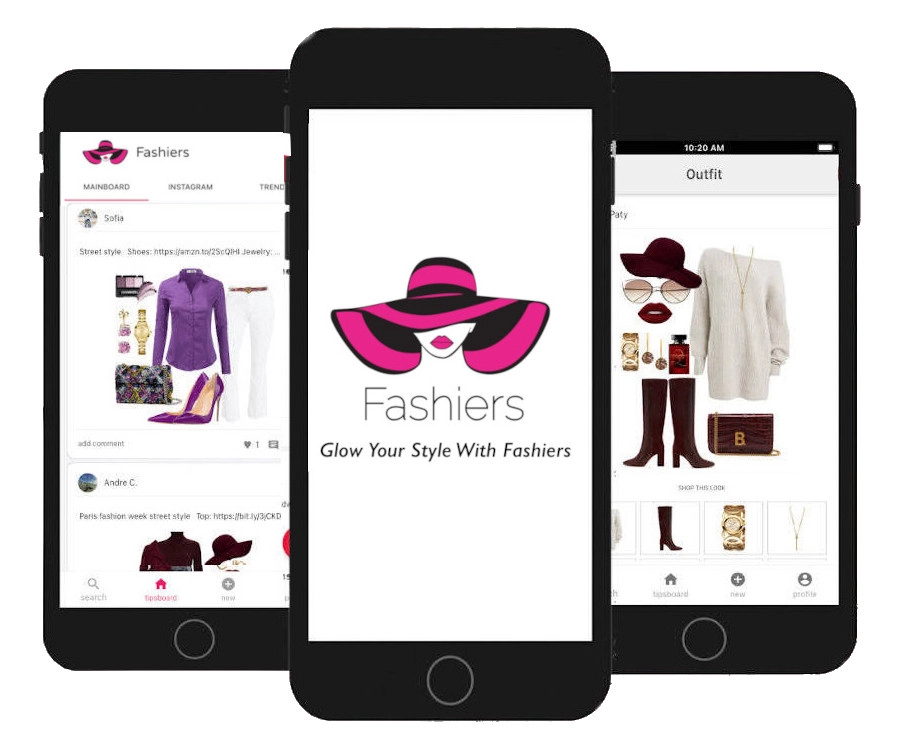
Fashiers
URSTYLE.fashion

TrendMe.net
TrendMe.net is an alternative for bloggers to use to create outfits to share on their social media. It is a fashion social network launched in 2009. Users can design looks, shop, and connect with others through the ap.
Recommended for: Outfit collages and community engagement.
PicMonkey
PicMonkey is one of the “OG” Canva alternatives. It’s a powerful online photo editor and design tool that many fashion bloggers prefer for specific reasons:
- Better Photo Retouching: Unlike Canva, which is heavy on templates, PicMonkey has much better built-in “Touch Up” tools for portraits (teeth whitening, blemish removal, etc.), which is a huge plus for fashion and lifestyle bloggers.
- Advanced Effects: It offers more “Photoshop-lite” features like masking, advanced textures, and overlays that give mood boards a more gritty, editorial look.
- Ease of Use: It sits right in the middle between the simplicity of Canva and the complexity of Photoshop.
Adobe Photoshop
Photoshop is the industry gold standard for a reason. While it has a steeper learning curve than drag-and-drop apps, it offers unparalleled control over your visuals. For bloggers, this means the ability to perfectly “cut out” clothing items for professional-grade flat lays, use advanced color grading to match a specific Instagram aesthetic, and create high-resolution collages that don’t lose quality. If you want your mood boards to look like they came straight out of Vogue, this is the tool.
Recommended for: Professional flat lays, advanced image manipulation, high-res mood boards, and total creative control.